An instruction lives in a message.
The people on site know what changed. The scope and commercial record still need updating.
LODE FOR BUILDING CONTRACTORS
For a building contractor, Lode writes variations and change orders, checks supplier bills against orders and flags finished work with no invoice. Someone on your team approves each one before it goes out.
30 minutes. Sample data. No account needed.
01 / THE FAMILIAR LOOSE ENDS
The people on site know what changed. The scope and commercial record still need updating.
One moved date can affect access, deliveries and several subcontractors.
Quotes, variations and customer updates wait until the site work is finished.

02 / OUT ON THE JOB
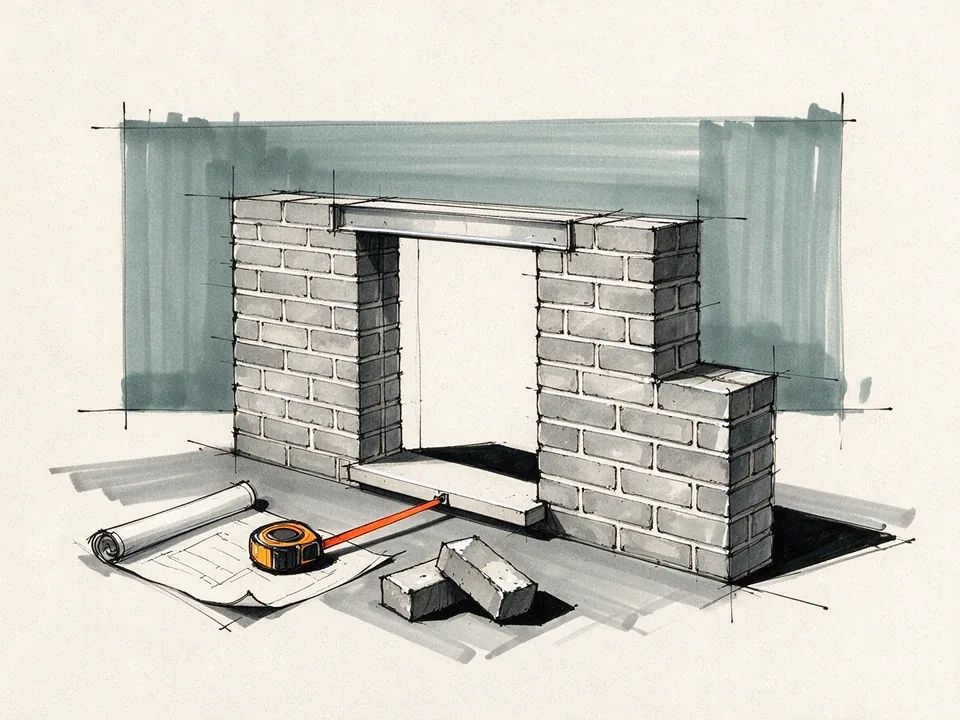
The brickwork has to be ready before the windows arrive. A wider opening changes more than the drawing. Lode helps gather the supplier answers, extra costs and revised dates for your team to review.
03 / SEE THE WORK COME TOGETHER
“Please change the rear opening to the wider option. Can you set out the extra work and any effect on the completion date?”
A typical situation for building contractors. The original instruction stays attached to the prepared work.
Fictional example. Your team reviews the work before anything is sent, booked or issued.
04 / A FEW PRACTICAL QUESTIONS
We can start there in the walkthrough. The example keeps the new instruction beside the agreed scope and gathers the supplier, labour and programme questions your team needs to check before issuing a variation.
Yes. Bring the shape of a typical job and the changes that cause the most chasing. We’ll walk through a relevant example using sample information.
We spend 30 minutes on a sample job relevant to building contractors: the instruction, the knock-on work and the result your team would review. No account or system connection is needed.
Your team keeps the final say. The examples show prepared work that you can review, amend or send back before it is issued.
05 / IN MORE DETAIL
For a building contractor, Lode writes variations and change orders, checks supplier bills against orders and flags finished work with no invoice. Someone on your team approves each one before it goes out.
Before. The client walks the site and asks for a partition to move. The site manager tells the drylining subcontractor to go ahead. The subcontractor bills the extra a month later. No change order ever went to the client. The cost lands on the job, and the margin shrinks without anyone deciding it should.
With Lode. The site manager emails a short note and a photo. Lode drafts the change order from that note, the drawing and your quote. It states the price and what the change does to the programme (schedule). The client's own message sits beside it. The contracts manager approves, and the client receives it the same day.
1. RFIs answered in a corridor. The architect gives an answer on site, and the work proceeds. Months later, nobody can show who decided what. Lode keeps each RFI with its drawing and reply beside the job. It drafts the written confirmation for your team to send.
2. Costs that surface at the final account. The estimate said one figure and the bills say another. Most firms find out when the job is over. Lode checks each supplier bill against its order as it arrives. The estimate to actual guide explains the comparison.
3. Subcontractor dates that move alone. The plasterer slips a week. The decorator, the flooring delivery and the client's move-in date all depend on that. Lode drafts the moves to each dependent booking and the update to the client.
Lode works from the paperwork a contractor already has: the estimate, drawings, RFIs, subcontract orders, supplier bills, site emails and the programme. Each draft points to the document it rests on. You keep your estimating, accounts and job software. We settle the records Lode works with, and the approvers, with you before anything is connected.
BETTER BACKUP FOR BUILDING CONTRACTORS
Bring the kind of job that keeps spilling into your evening.
We’ll show you where Lode fits.